
Best Offline Games For Kids (Road Trips, No WiFi)
*The information on EMF Academy is for educational purposes only and is not a substitute for professional medical advice. Please review our full Medical Disclaimer for more details. This post may contain affiliate links. Please see my disclosure to learn more.
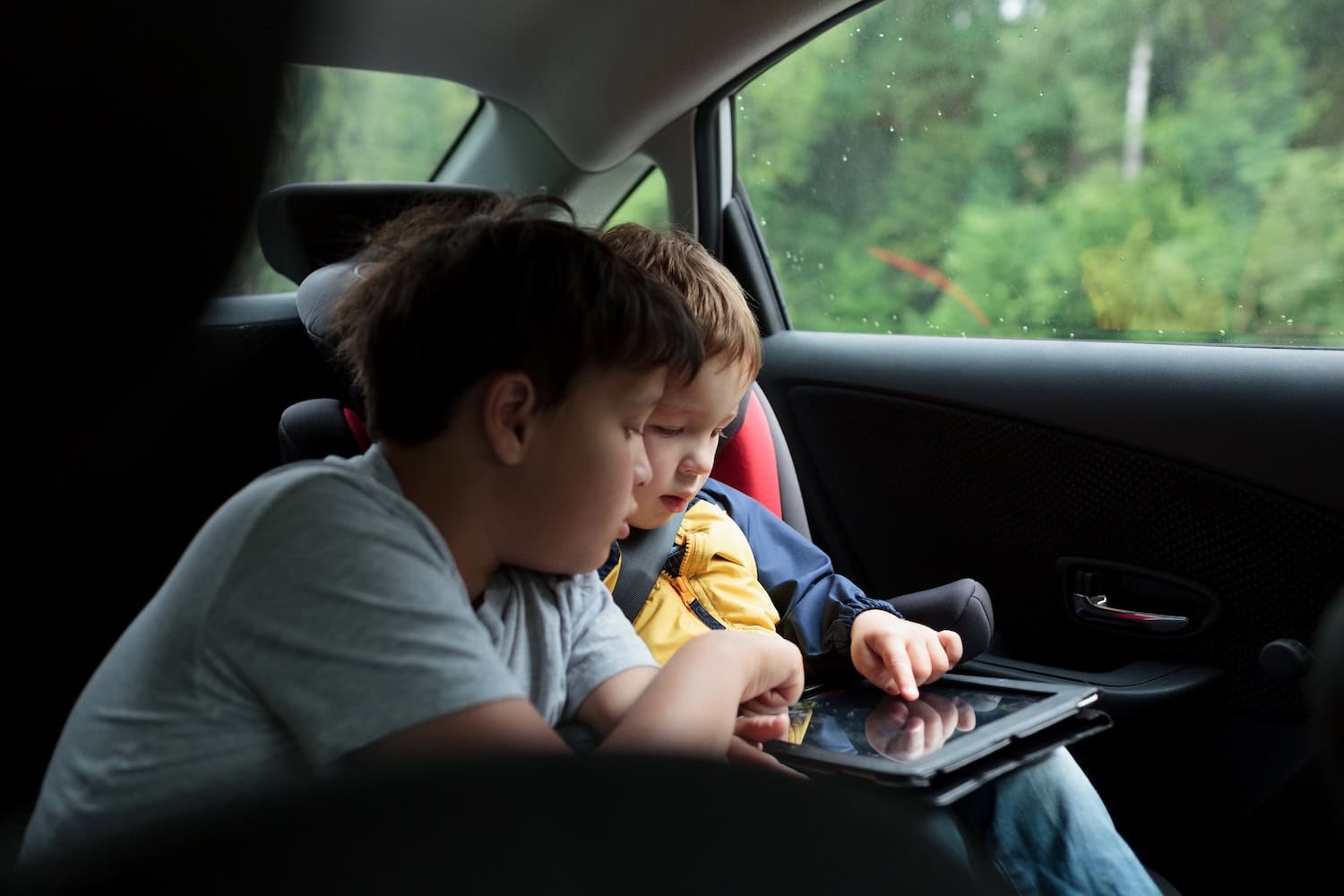
Our last long drive was just over nine hours, with my eight year old and my five year old in the back seat. Two stretches of that route had no cell service at all, and it didn’t matter. Every game on their tablets ran with the WiFi and data completely off.
Download and open the games at home first. Before the trip, turn on airplane mode and check that Wi-Fi and Bluetooth are also off in Settings. Then reopen the parts of each game your child plans to use.
(This list is the kids-specific one. For the all-ages master index, see my complete list of games you can play without internet.)
I already keep a big list of no-WiFi games we’ve tested, but readers kept asking which ones actually hold up with younger kids on a real road trip. So this list is just that. These are the games my kids play in the car, sorted by age, plus the gear we use to keep the tablet setup practical for travel.
Download Everything Before You Leave The Driveway
This is the step people skip, and it ruins the plan. A lot of games that play fine offline still need one online session first, to install content packs, verify a purchase, or finish a first-launch download.
Here’s the routine I’ve used before a trip: install or update every game on home WiFi, open it and let any extra downloads finish, then reopen it in airplane mode. Check Wi-Fi and Bluetooth in Settings too, and try the modes or levels your child wants to play. If there’s a connection error, deal with it while you still have WiFi.
Airplane mode turns off cellular connectivity, but devices can keep or remember Wi-Fi and Bluetooth connections. Check each setting rather than relying on the airplane icon alone. The practical test is whether the parts of the game your child wants work with the connections off. My guide to kids and EMF radiation covers the wider topic; an offline-game setup is not a promise that a device is harmless.
Best Offline Games For Ages 2 To 5
ABC Kids – Tracing & Phonics
Free, and the free version is the whole app. My daughter traced letters with this for a solid hour somewhere in hour three of our last drive, which I would not have believed if I hadn’t been sitting next to her. No ads pushed at kids, no energy meters, nothing to buy mid-tantrum. It just works offline.

Khan Academy Kids
Free with no ads and no subscription, which still surprises me. The catch for road trips: you have to download books and lessons inside the app before you go, because it streams by default. Set aside ten minutes on home WiFi and grab a pile of them. The reading and math games kept my five year old busy longer than most paid apps we’ve tried.
Endless Alphabet
Paid app, worth it. The word monsters are genuinely funny and everything runs offline once installed. This is the one I hand over when the whining starts, because it buys us 30 quiet minutes and I don’t feel bad about a single one of them.
PBS KIDS Games
Free and ad-free, with a built-in offline feature made for exactly this situation. You pick which games to download ahead of time, so let your kid choose five or six favorites the night before. Daniel Tiger and Wild Kratts games were the hits in our car.
Dr. Panda Town
A little open-ended town where kids just poke around and make stories. The base app is free with paid add-on locations. Once everything is installed it plays fine in airplane mode. My daughter mostly uses it to hide objects in the fridge, which is apparently the best part of the game.
Best Offline Games For Ages 6 To 9
Toca Boca World
The one my kids agree on, which is rare. The base game is free and any packs you own work offline, but only after they’ve been downloaded, so open the app and let it finish installing everything before you leave. Whole neighborhoods, characters, pets, haircuts. My son once spent 40 minutes running a hospital for lizards.
Crossy Road
Free, and one of the cleanest offline experiences on this list. When there’s no connection, the ads simply never appear, so offline play is actually better than online play. Simple enough for a five year old, hard enough that I still play it at the gas pump.
Minecraft
Paid, and you need to sign in and open it once on WiFi first. After that, single-player worlds run completely offline. This is the heavyweight of car games. My son builds the same castle for entire trips, and honestly the hardest part is making him hand the tablet back at the hotel.
Two Player Games: Challenge
Dozens of tiny head-to-head minigames on one screen, free, offline. This is the sibling peace treaty app. One tablet flat on the armrest between two boosters, air hockey until somebody wins best of eleven. It has ads when online, which is one more reason airplane mode improves everything.

Where’s My Water? 2
Free puzzle game with a shower-obsessed alligator, and it plays offline without complaint. It will occasionally nudge you toward power-ups, so a quick chat about not tapping shiny buttons helps. My daughter is convinced the duck is the main character.
Best Offline Games For Older Kids
Alto’s Odyssey
Sandboarding down endless dunes with music that makes the whole car calmer. Free on Android, paid on iPhone, offline on both. This one gets borrowed by adults. I kept playing it myself for a week after the trip ended.
Monument Valley 2
Paid, beautiful, completely offline. Impossible architecture puzzles that a ten year old can solve but has to actually think about. It’s short, a couple of hours start to finish, so it’s more of a single-afternoon treat than an all-trip game.
Subway Surfers
Free endless runner that plays fully offline once it’s been opened on WiFi at least once. Online it’s stuffed with ads and offers. Offline it’s just the running, which is the version I actually want my kids playing anyway.
Mekorama
A free little robot puzzle game from a single developer, with a pay-what-you-want tip jar. Fifty diorama levels, all offline. It’s quiet, clever, and completely free of the casino energy most free games have now. My son and I trade the tablet back and forth on the hard levels.
Flow Free
Connect the colored dots, hundreds of levels, works offline forever. It’s the game I install on every device we own because somebody always ends up wanting it. Ads show up between levels when online and mostly vanish in airplane mode.
The Backseat Kit That Keeps It Low-EMF
The games are half of it. The other half is a setup that works without a wireless connection and keeps the tablet comfortable to use during the drive.
The three Amazon links below are affiliate links. As an Amazon Associate I earn from qualifying purchases.
Wired, Volume-Limited Headphones
Wired headphones do not need a Bluetooth connection, charging or pairing. That is useful when you want the tablet’s wireless connections off. We use the iClever HS19 kids headphones, which fold flat and have survived plenty of abuse in the seat-back pockets. Buy two identical colors. Trust me on the identical part. The linked version uses a 3.5mm plug, so check that your tablet has a headphone jack or a compatible wired adapter.
A Headrest Tablet Mount
A headrest mount can keep the tablet off a child’s lap and make the screen easier to see. A Lamicall headrest mount holds the tablet at eye level a couple of feet from your kid instead of resting on their body. Check the fit before ordering: this mount is listed for 4.7–11-inch screens, devices up to 17mm thick including the case, and headrest rods 72–150mm apart. It needs exposed headrest rods. Secure it according to the manufacturer’s instructions. Pairs perfectly with the two-player games above since both kids can see one screen.
A Tablet Built For Kids
If you’re buying a dedicated road trip tablet, the Fire HD 8 Kids Pro is the practical pick. The battery genuinely lasts a full driving day, the included case has bounced off our driveway more than once, and the parental controls let you load a week of games and books at home, then lock the store. Load it up, check airplane mode, Wi-Fi and Bluetooth, then test the downloaded games before handing it back.
The linked tablet is the 2024-release, 64GB Hello Teal version for ages 6–12, with six months of Amazon Kids+. That subscription renews for a fee unless you cancel. Fire tablets use the Amazon Appstore and do not include Google Play, so check that the games you want are available for Fire before buying. Some apps and subscription content need an internet connection even after a download; test each one before the trip.

If your kid already has an iPad, I’ve also covered tablet radiation shields in a separate guide. A case or shield does not replace checking the tablet’s wireless settings.
Related Questions
Do offline games really work in airplane mode?
A game that supports offline play can work after you disconnect. Download any extra content first, then enable airplane mode and check that Wi-Fi and Bluetooth are off in Settings before reopening the game. Apps that require an account or license check may still need a connection.
Are tablets safe for kids on long car rides?
Airplane mode is a connectivity setting, not a guarantee that a tablet is harmless or that exposure is zero. Check the actual Wi-Fi and Bluetooth settings, follow the device instructions, and consider screen time, breaks and listening volume separately. For the wider topic, see my article on WiFi and babies.
What if a game demands a connection mid-trip?
If a game asks for a connection, try closing and reopening it. If it still will not load, choose another downloaded game and check the app’s requirements when you are connected again. An account check, license check or extra download may be needed.


